
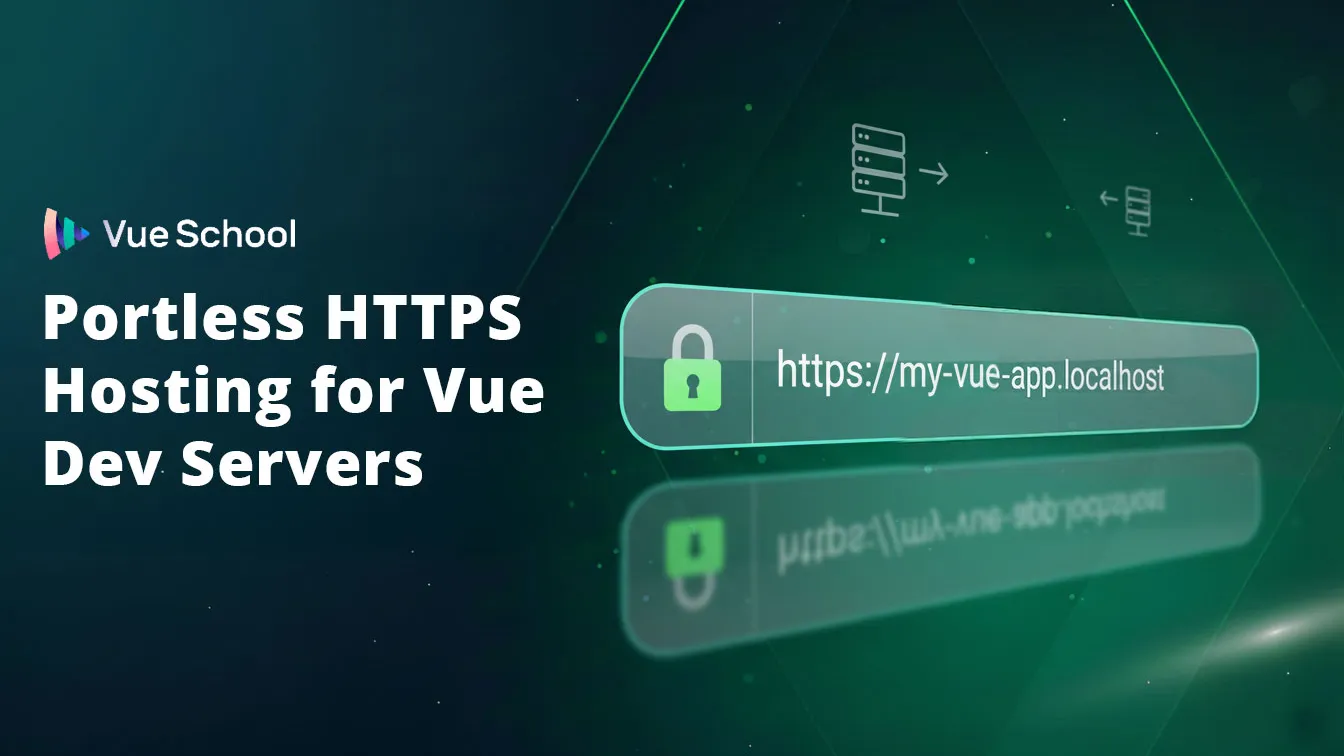
Portless HTTPS Hosting for Vue Dev Servers

Local Vue development usually means a url like http://localhost:5173.
What if I told you you could have a url like this instead: https://my-vue-app.localhost
- No changing ports
- Stable URLs with semantic meaning
- HTTPS in dev
- URLs that AI agents can depend on
- URLs that are easy to remember and type
You're not dreaming, this is totally possible with Portless. And it's super easy to setup.
What is Portless?
Portless is a small proxy layer that gives you named .localhost hostnames, HTTPS with HTTP/2 by default, and a random high port for the actual dev server (via PORT).
Install Portless and Setup Your Project
To get started, you should install Portless globally.
npm install -g portlessOr if you're using Vite Plus, like I am:
vp install -g portlessNow all that's left to do is name your domain and run your dev server in package.json.
// package.json
{
  "scripts": {
    "dev": "portless my-vue-app vite",
    // or if using Vite Plus:
    "dev": "portless my-vue-app vp dev"
  }
}
That's it! 🎉 Run your dev server per usual, but now you can access it at https://my-vue-app.localhost.
Change out the my-vue-app part to whatever you want your domain to be.
Some Other Cool Things You Can Do with Portless
- Use subdomains:
portless api.my-vue-app vite->https://api.my-vue-app.localhost- Awesome for API's that live in a different project but rely on shared session state with the main app.
- Use git worktrees:
portless my-vue-app git worktree add -b feature/my-feature->https://my-vue-app.localhost/feature/my-feature- Makes it easy for AI agents to work on multiple features at once with predictable URLs to preview their work
- Use custom TLDs: by starting the proxy with the
--tldflag. For example:portless proxy start --tld test->https://my-vue-app.test - It works with Nuxt too!
portless my-nuxt-app nuxt dev->https://my-nuxt-app.localhost - HMR is unaffected, updates are still instant.
Summary
Portless trades “remember this port” for https://<name>.localhost, with TLS and HTTP/2 on by default. For Vue on Vite, wrap your dev script once (portless <name> vite / vp dev / your stack’s dev command) and keep the same mental model as production HTTPS—without manually managing certificates for every project. Details and options live on portless.sh.
Start learning Vue.js for free

Comments
Latest Vue School Articles

5 Component Design Patterns to Boost Your Vue.js Applications

Vibe Coding a Collaborative Editor with Comment Support with Nuxt UI and Jazz

Our goal is to be the number one source of Vue.js knowledge for all skill levels. We offer the knowledge of our industry leaders through awesome video courses for a ridiculously low price.
More than 250.000 users have already joined us. You are welcome too!
© All rights reserved. Made with ❤️ by BitterBrains, Inc.